risd-godot: the new game modes
A home screen on the back of a painting, the museum you collect from, a room you hang your collection in, and an archive that never ends.
These pages sketch only what Reid already said and drew: the 11-24 voice memo, the “Homepage” frame and the storage-rack frame on the FigJam Working Board, the storage note on Are.na, his answers of 11-28, and what he said while the first-person toggle was built. Nothing here is a new idea or a decision. Where the sources are vague, the page says Undefined. Quotes are his words as the transcript heard them; a word heard only by sound is marked unsure where it is quoted.
Note
The mock-ups are rough grey-box images made with Muse from his sketches and references, in a Unity low-poly prototype look. They show layout only; they are not art direction.
Overview
What is new -- “there’s a ton of new additions, and one of the things that I’m doing is combining a lot of other work” (memo, 0:01): a home screen, a collection room fed from the main game, and an infinite archive.
Home screen -- the Hearthstone UI work becomes “the basis for what the player will see once they immediately go into the game” (memo, 0:01). See Home screen.
Infinite archive -- “the other more, I think, pressing and important addition” (memo, 2:20), and the part Reid most wants across: the museum’s paintings hung salon style on white mesh racks, packed by size, lit like the Animal Crossing museum, an aisle with no end. See Infinite archive (“storage”).
Main game -- the museum as it is now; you can add a painting to your collection. See Main game: the museum.
Collection room -- “basically a replica of the Animal Crossing, like, home” (memo, 1:25); the GameCube house, 1:1 (11-28). See Collection room.
Not yet -- “there’s other, sort of, like, quests, and other things that I think are important to this that I really haven’t got into yet, um, like, the gameplay loop” (memo, 4:49). See Parked.
The idea, from the voice memo
A short write-up of the 11-24 memo (Are.na block 53211185, 5:14), grouped by topic. Times are from a fresh Whisper transcript of the recording.
The home screen
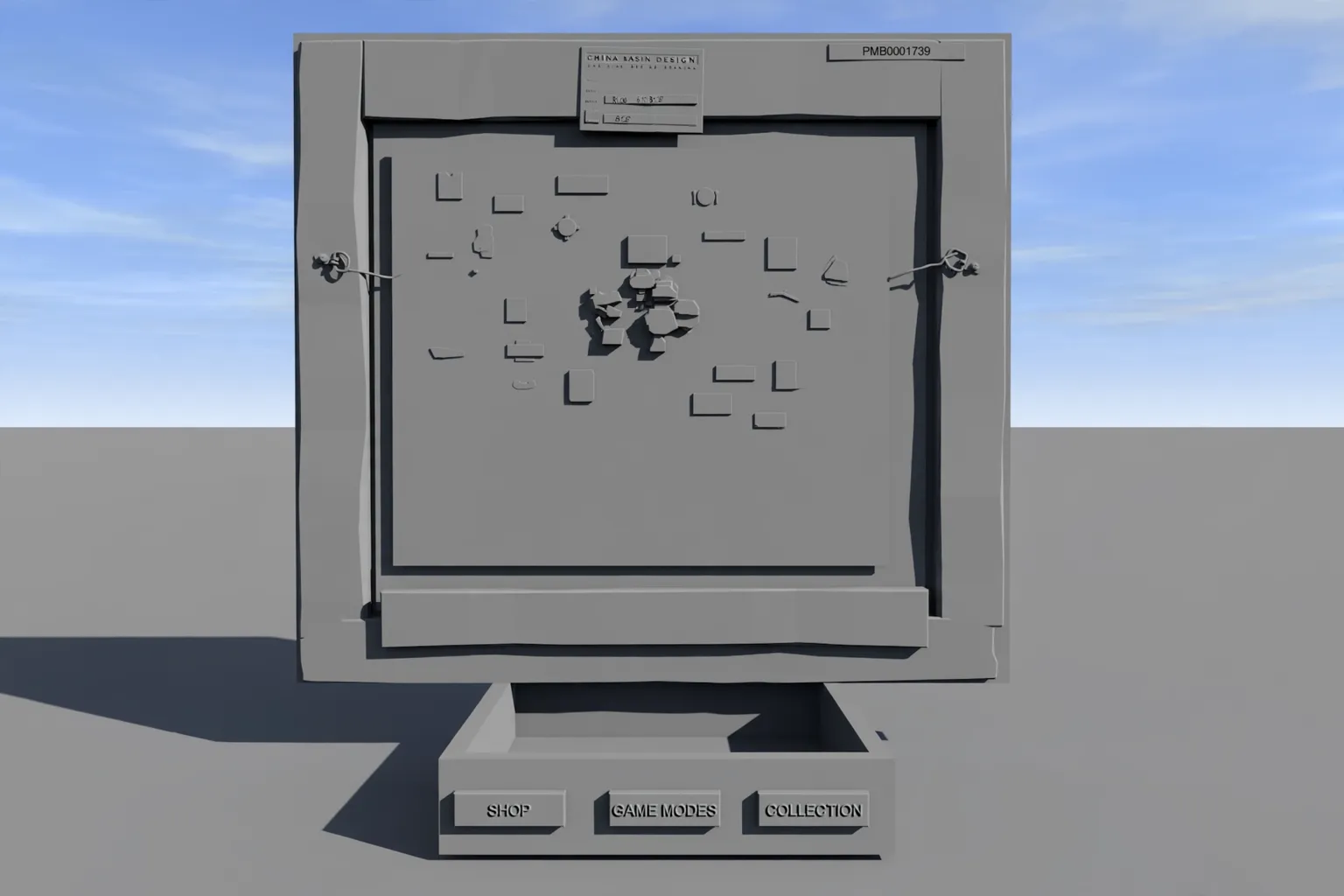
The Hearthstone UI and animation work is the home screen; “as it loads, the drawer flops down” (0:01).
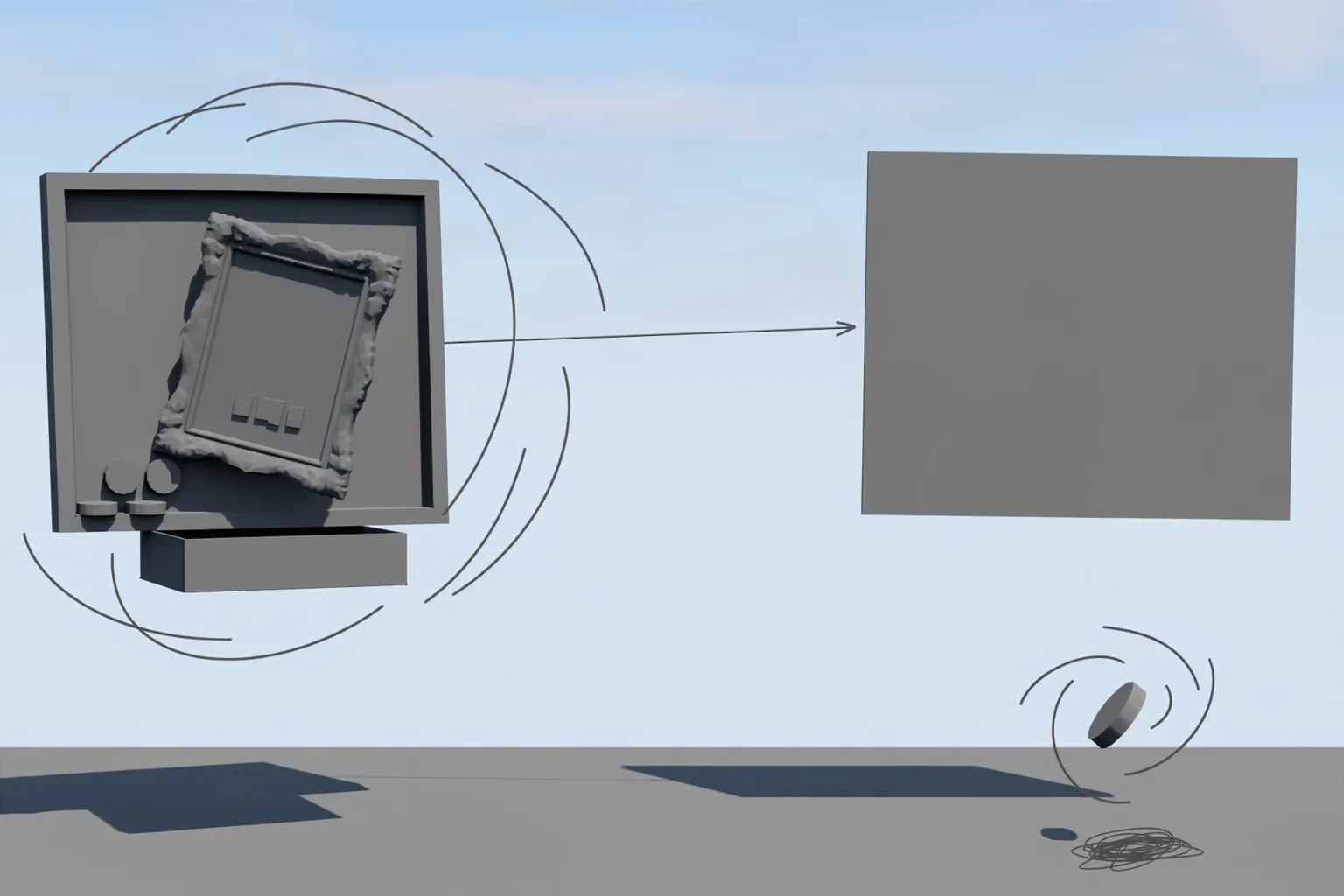
“the frame itself will then flip to the other side, and then show the game animation” (0:31); a transition from the still frame’s back side to “the normal frame that’s happening when you play the game” (0:31).
From the home screen: “I can go into the main game, which loads me into the main game, but then I can also go into the … collection page” (0:57).
The infinite archive
“the infinite scroll equivalent of, like, you’re exploring the archive” (2:20).
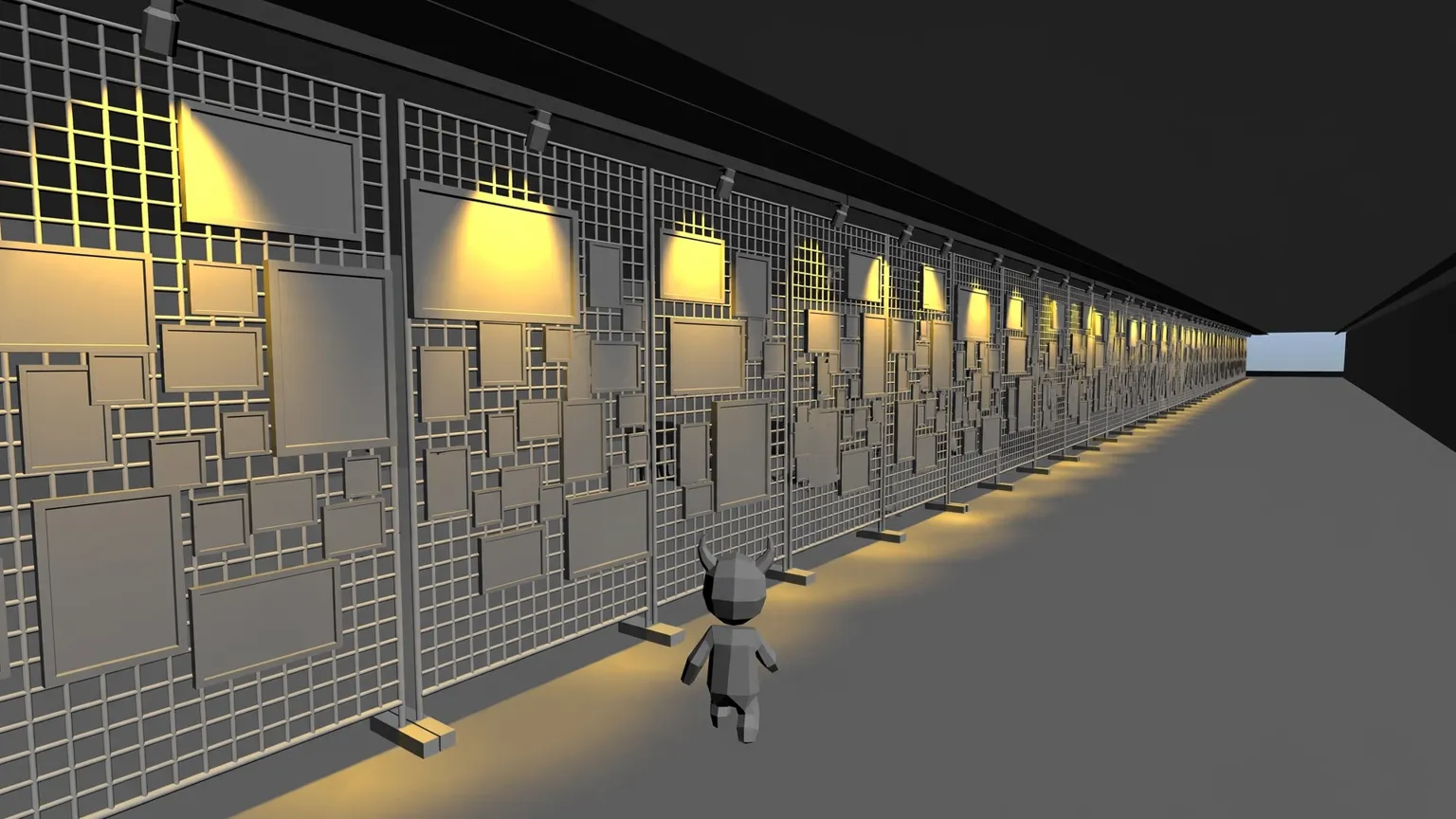
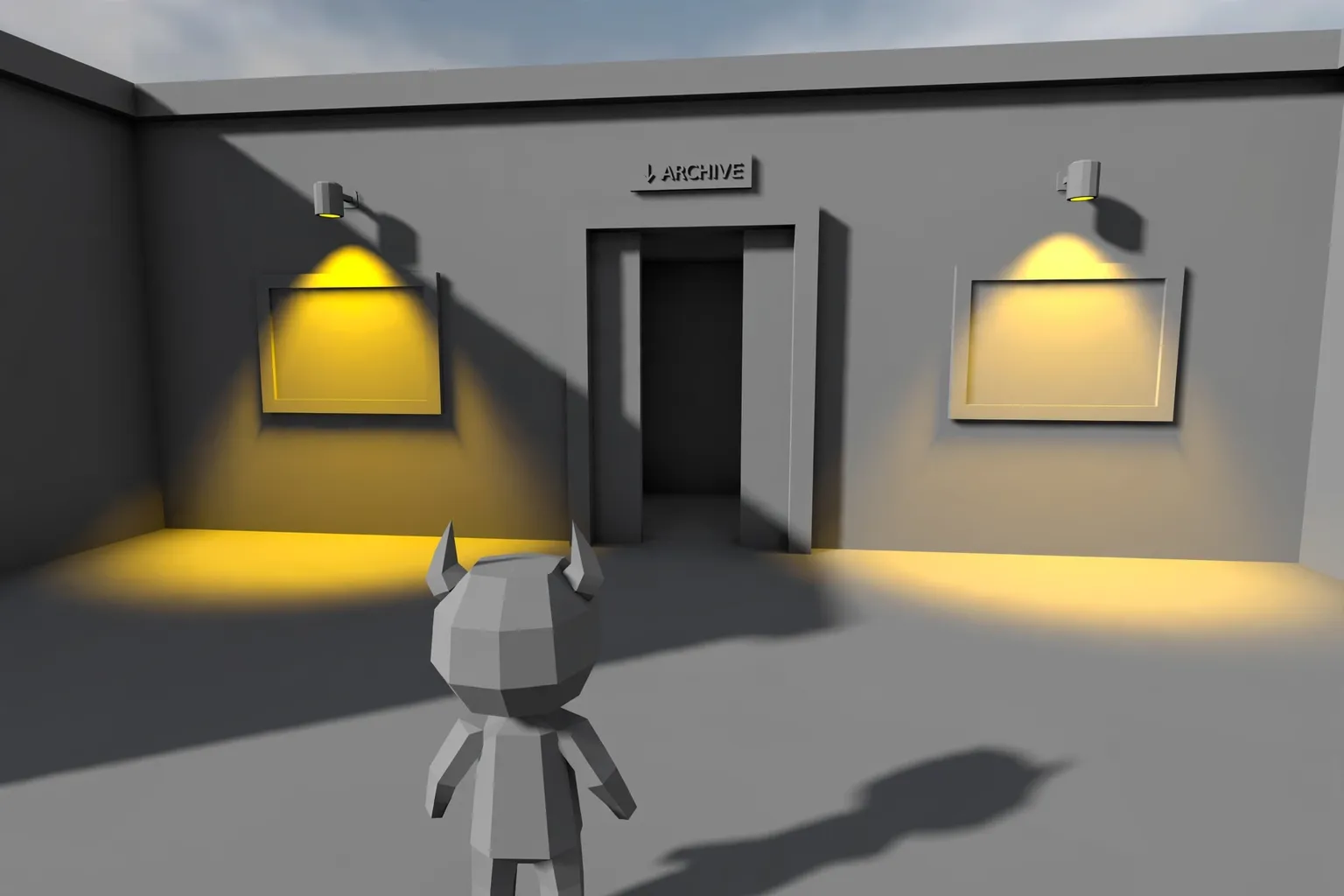
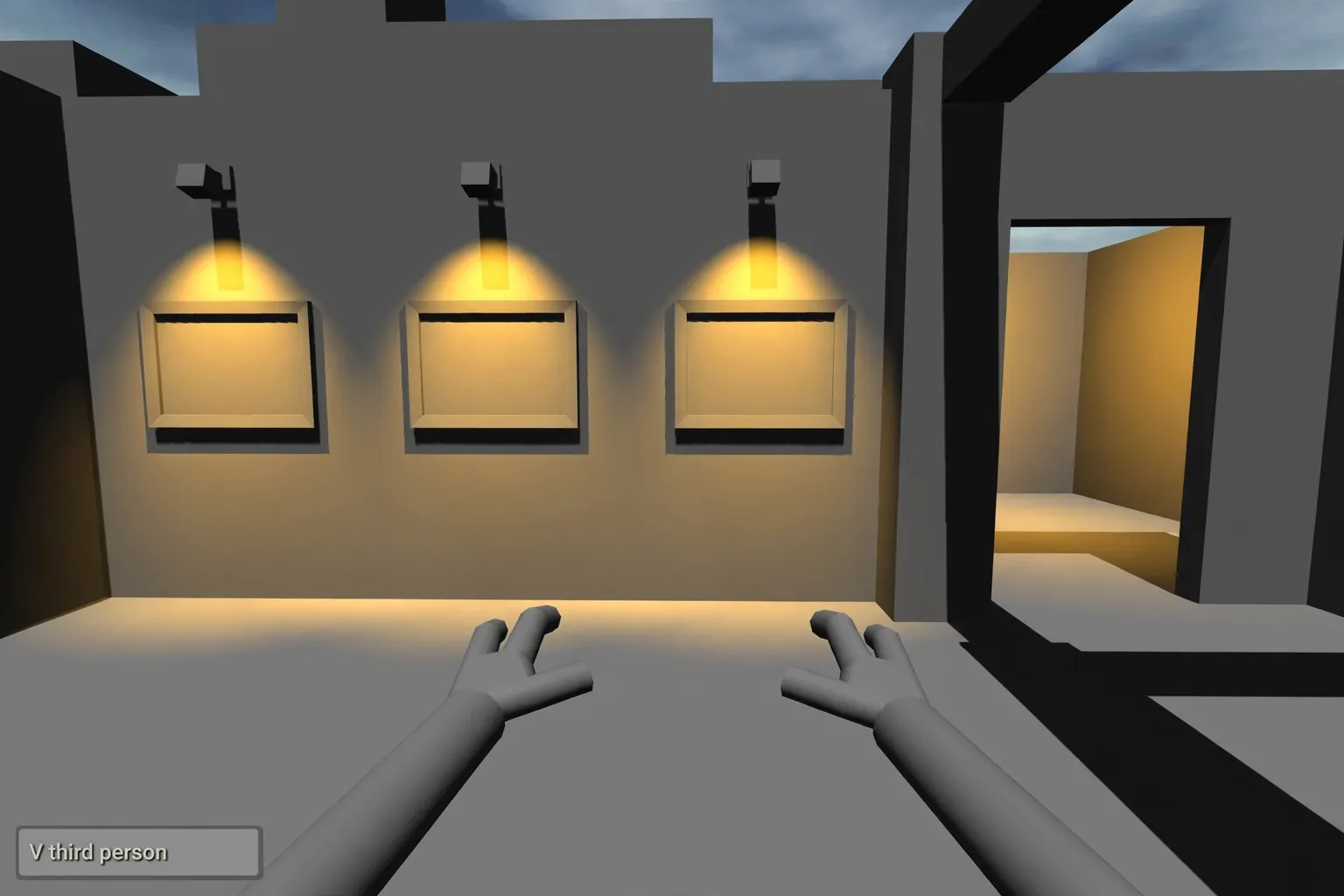
“in between the sort of, like, white frame, or white sort of, like, holding grid rack system, and sort of the Animal Crossing museum piece … you have these lights positioned across a rack like that, it’s similar lighting scenario” (2:44 to 3:06).
“you just, sort of, walk continually down, and it’s sort of, like, automatically putting in new paintings, and so you never reach an end point” (3:06 to 3:22).
Later: “filters to this, so you can, like, filter specific parts, or specific paintings that match … your search queries”, but “that’s a little bit too complicated for now, just getting them to appear is … what I want” (3:29 to 3:50).
For now: “taking the paintings and the frames that are in the museum currently, and putting them on the wall, on the white rack wall, arranging them in a similar way that the original photo is … walkable … you have the same character, and you can inspect and look at the paintings” (3:50 to 4:09).
“arranged in a way that they’re knulled, like, the smaller ones go in the smaller places, it’s not just sort of this, like, flat, like, one after another after another” (4:09 to 4:22). “knulled” is heard by sound and unsure; probably nested or packed.
“it’s a similar situation that I, the white rack, is on, not the Animal Crossing, so this allows you to have different compositions of, of things conjoined into one another” (4:22 to 4:33).
The collection room and the add-to-collection flow
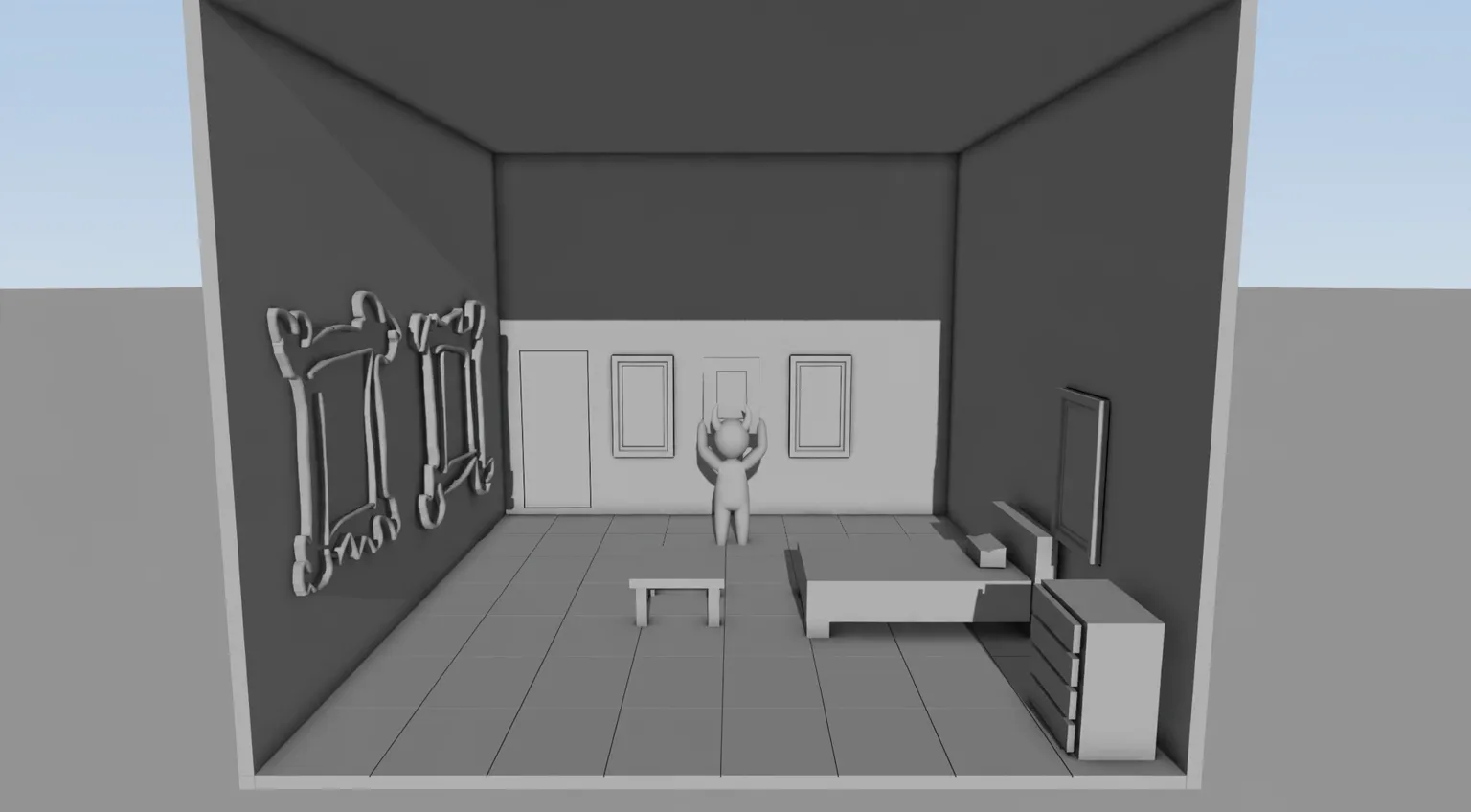
The collection page is “basically a replica of the Animal Crossing, like, home” with paintings on the walls; “you could move, rearrange, … place it in different areas, put furniture down … the player’s, sort of, custom room” (1:25).
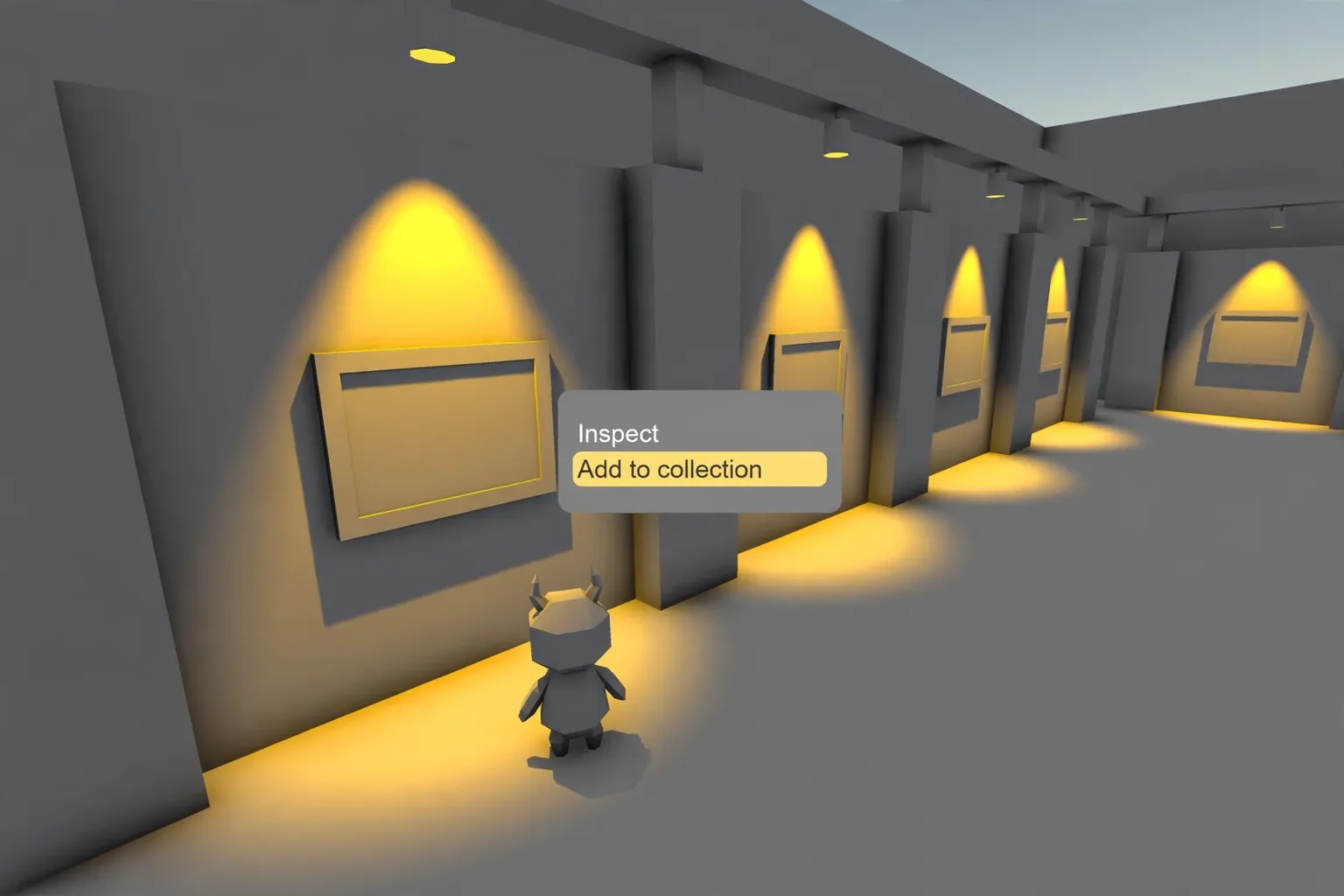
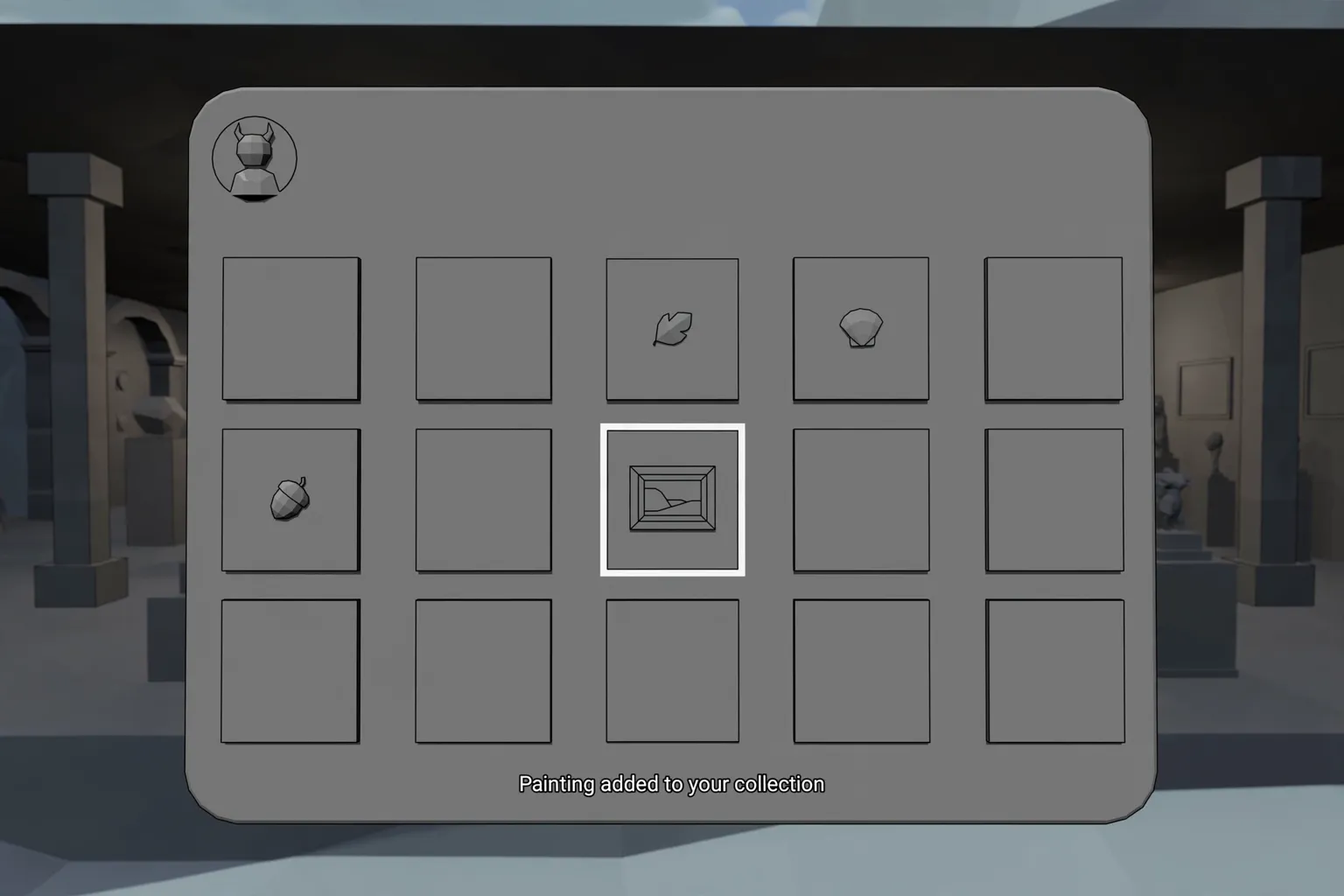
In the main game: “someone going up to a piece in the normal game mode, um, selecting it, and then selecting add to collection, then that collection is in their inventory, which is the same Animal Crossing inventory” (1:56).
“if they go into their home, they can then place that object, so that full flow needs to be validated” (2:20).
What comes later
“those are the major two additions” (4:33): the collection flow and the archive.
Quests and “the gameplay loop” are not worked out yet (4:49).
Game flow
The screens in his order. Click a box or a picture to open that screen.
flowchart TD
  L[Game loads] --> H[Home: back of the frame]
  H -->|drawer flops down| D[Drawer]
  D -->|Game modes| G{Archive or main game}
  G -->|archive| A[Infinite archive]
  G -->|main game| F[Frame flips to its front]
  F --> M[Museum]
  D -->|Shop| S[Shop: undefined]
  D -->|Collection| C[Collection room]
  M -->|select a painting| I[Add to collection: inventory]
  I -->|go home, place it| C
  M -->|elevator down| A
  M -.->|coin flips| H
  click H "home-screen/#screen-home"
  click D "home-screen/#screen-home"
  click F "home-screen/#screen-flip"
  click S "home-screen/#screen-shop"
  click M "main-game/#screen-add"
  click I "main-game/#screen-inventory"
  click A "archive/#screen-archive"
  click C "collection-room/#screen-collection"
  class A focus
From the memo, the sketch and the 11-28 answers. Marked: the archive, the part Reid most wants across. Dashed: the coin flip back to the menu, drawn only from the main game.
Open questions
What does the Shop sell?
Archive v1: does it fill endlessly, or is one fixed rack enough for now?
Which pad button gives up its job for the first-person toggle?
When the lost-key quest moves to the main build, does it keep main’s lighting and camera?
Does picking the archive from the menu also flip the frame, as the main game does?
Is the coin flip back to the menu in every mode, or only the main game?
In the collection room, are paintings placed freely like Animal Crossing, or packed like the archive rack?
Check this against what you want
Tick each line or correct it.
The home screen is the back of a framed painting; its stickers change a little on every load.
On load a drawer flops down out of the frame with Shop, Game modes and Collection.
Game modes lists two: the main game (the museum) and the archive.
Picking the main game flips the frame to its front, and that turns into the live game frame.
A coin flips with the frame, as the way back to the main menu.
In the museum you walk up to a painting, select it, pick “Add to collection”, and it goes into an Animal Crossing inventory.
The collection room is the GameCube Animal Crossing house, 1:1; you place, move and rearrange paintings, furniture and wallpaper, and place paintings from the inventory.
The whole museum to inventory to home flow is validated end to end.
The archive is reached by the elevator down from the museum, or from the main menu.
Archive v1 hangs the museum’s own paintings and frames on a white mesh rack, salon style, packed by size with small frames in the gaps, as in the rack photo, lit like the Animal Crossing museum, with the same character and inspect.
Generative spawning, objects not on view, sculptures and prints, filters and search, and the rack pull-out come later.
First person is a free toggle in every mode; there is no wipe between rooms; the horned character is the player.
The grey-box, Unity low-poly mock-ups are the right look for now.
Structure after the Harris final game flow page, one page per mode so more can be added. How each mock-up was made, and what it cost: gdd/PROVENANCE.md.